Perplexity Workflow for Bookkeepers: How to Verify Vendor Legitimacy & Prevent Fraud in Minutes
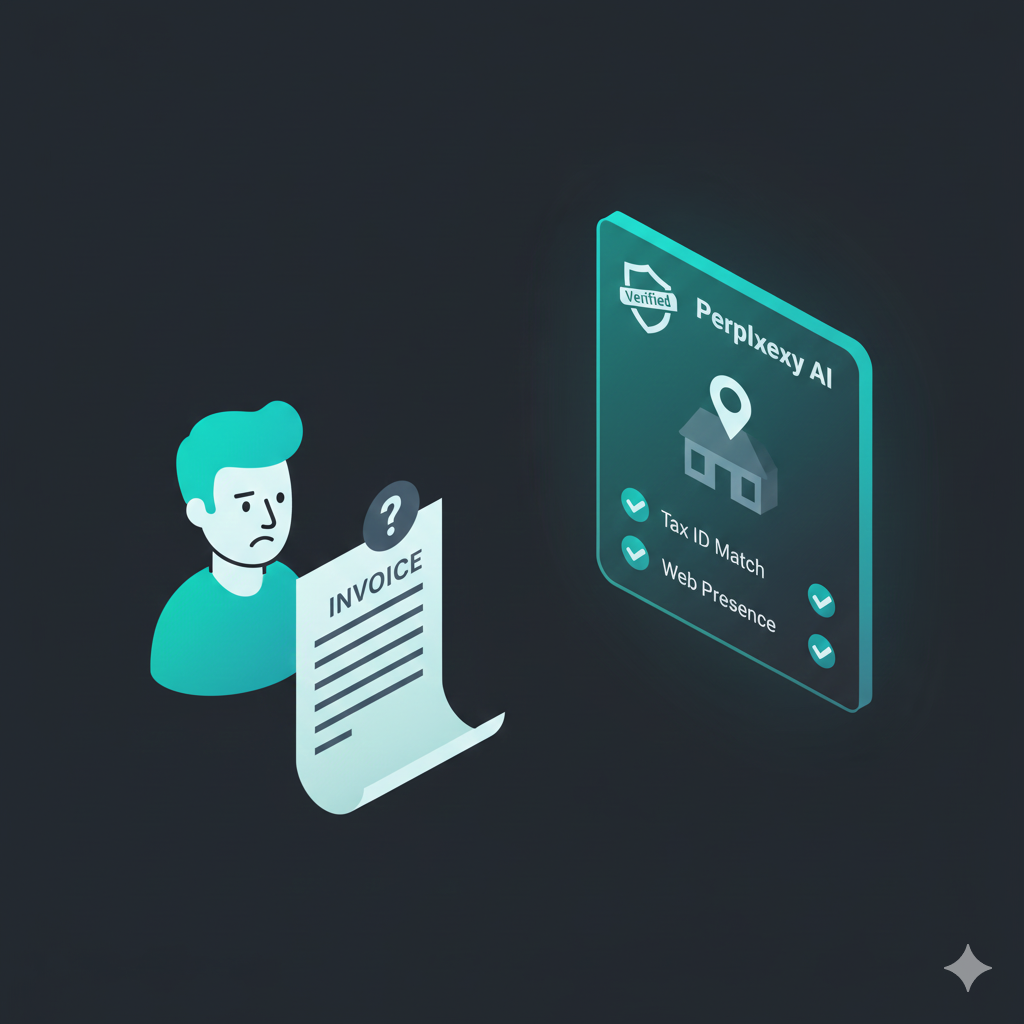
Vendor fraud is the silent killer of cash flow. You receive an invoice from “Global Services LLC,” but you have zero way of knowing if it’s a legitimate business, a shell company operating out of a residential basement, or a complete scam—unless you spend 45 minutes digging through Secretary of State databases and Google Maps.
- Time Saved: 30+ minutes per new vendor
- Difficulty: Beginner
- Tools Needed: Perplexity AI (Free or Pro)
The Strategy (The “How”)
We will use Perplexity not as a chatbot, but as an AI Forensic Auditor. Unlike ChatGPT (which relies on training data), Perplexity browses the live web. We will use it to cross-reference the vendor’s digital footprint, verify their physical location (Commercial vs. Residential), and check for adverse media coverage—all in a single query chain.
Step-by-Step Workflow
Step 1: The “Digital Footprint” Scan
Context: Before entering them into QuickBooks/Xero, we need to confirm the business actually exists and matches the invoice details.
The Prompt:
(Paste this into Perplexity)
Act as a Forensic Accountant conducting due diligence on a new vendor.

Target Vendor: [Vendor Name]
Claimed Address: [Address from Invoice]
Website: https://ludwig.guru/s/if+available

Perform a "Truth Scan" to verify this entity.
1. Confirm if this business is currently active and registered (search Secretary of State or business registries).
2. Verify if the provided address matches their official online presence.
3. Identify the key principals or owners associated with this entity.

Constraint: Cite your sources for every claim. If you cannot find a digital footprint, state that clearly as a "High Risk Flag".
Why this works: Perplexity will hit live databases (like OpenCorporates or state registries) to confirm the business status. The “High Risk Flag” constraint forces the AI to be skeptical rather than hallucinating a positive result.
The Output:
- “Per State of Delaware registry, [Vendor Name] is Active. The address matches the registered agent. Key principal listed is [Name].” OR “⚠️ Warning: No active business registration found for this name in the claimed state.”
Step 2: Location Intelligence (The “Basement Check”)
Context: Shell companies often use residential addresses or UPS Store boxes disguised as suites. We need to verify the physical nature of the address.
The Prompt:
(Continue in the same thread)
Analyze the physical location of the address provided above: [Address].

Questions:
1. Is this address a Commercial Office, Residential Home, or a Virtual Office/Mail Drop (like UPS Store or Regus)?
2. Are there other businesses registered at this exact same address? (A sign of a shell mill).
3. Search for "Street View" descriptions or real estate listings to confirm the building type.
Why this works: Perplexity reads data from real estate sites (Zillow, LoopNet) and map data. It can often tell you, “This address corresponds to a 3-bedroom residential home,” which is a massive red flag for a “Global Logistics Firm.”
The Output:
- “The address 123 Main St, Ste 400 is associated with a UPS Store location. It is a mail drop, not a physical office.”
Step 3: Reputation & Adverse Media Check
Context: Finally, we check if this vendor has a history of scamming others or legal trouble.
The Prompt:
Search for reviews, scam reports, Better Business Bureau (BBB) complaints, or legal filings associated with "[Vendor Name]" or "[Phone Number]".

Summarize:
1. Any negative sentiment or "scam" keywords found in forums (Reddit, etc.).
2. Their BBB rating (if available).
3. Any mention of them on "Fake Invoice" watchlists.
Why this works: This scrapes the “informal” web (Reddit, forums) where formal databases fail. If other bookkeepers have been scammed by this vendor, Perplexity will likely find the complaint thread.
The Output:
- “Found 3 reports on Reddit of this vendor sending unsolicited invoices for ‘Domain Renewal Services’. BBB rating is F.”
The “Pro-Tip” / Quality Control
Generate the “Audit Defense” PDF:
Perplexity allows you to share or export your research.
- Action: Once the vendor is verified (or rejected), click the “Share” button in the top right -> “Convert to Page” or print to PDF.
- Why: Attach this PDF to the Vendor Record in your accounting software. If an auditor ever asks, “Did you verify this vendor before paying $10k?”, you have a time-stamped, AI-generated forensic report attached to the bill.
Troubleshooting (FAQ)
The Error: Perplexity confuses the vendor with a similarly named company (e.g., “Summit Consulting” in Texas vs. “Summit Consulting” in Ohio).
The Fix: You need to disambiguate in the prompt.
Solution: Always include the State and Industry in your Step 1 prompt. Change the input to: “Target Vendor: [Vendor Name] (Construction company based in Ohio).” This forces the AI to filter out the noise.