
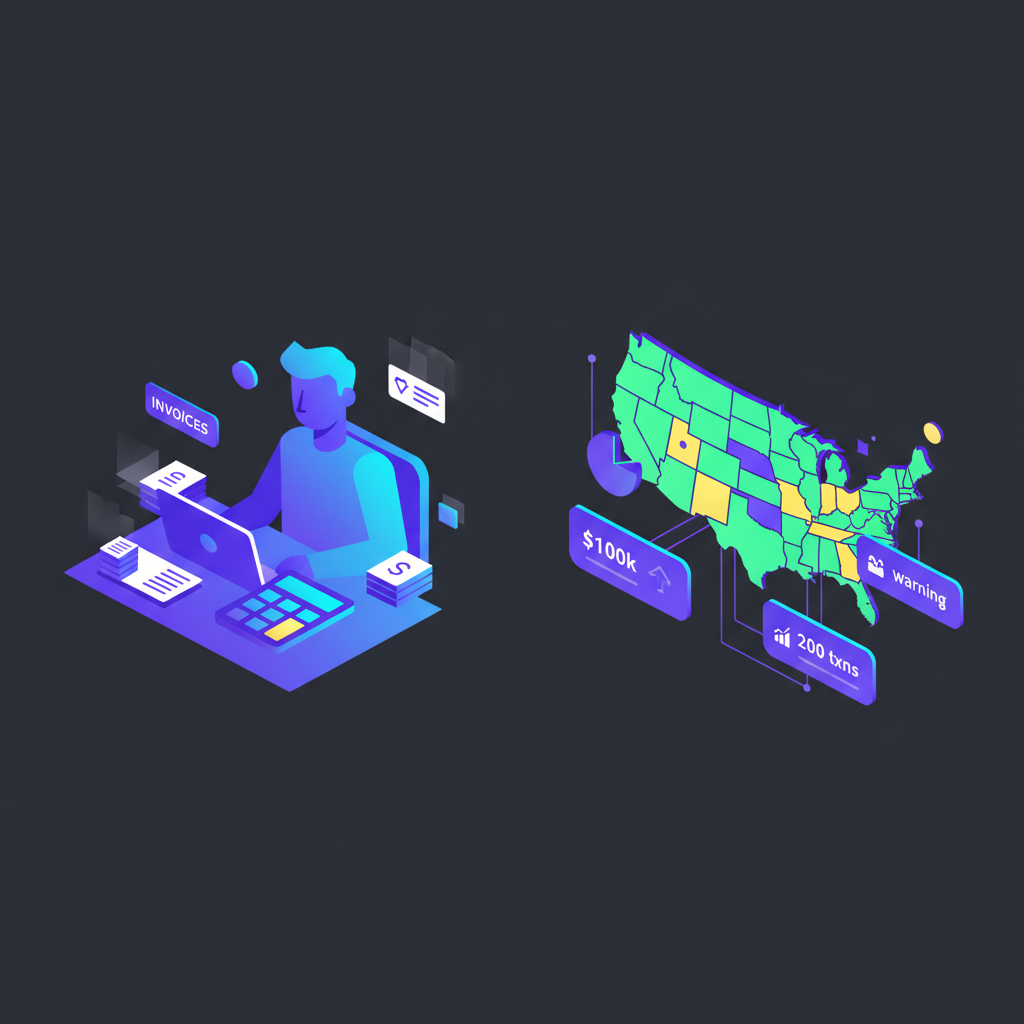
Perplexity Workflow for Bookkeepers: How to Research Sales Tax Nexus in Under an Hour
The Challenge (The “Why”)
Determining sales tax nexus is the most high-stakes, tedious task in bookkeeping; missing a single state’s economic threshold or physical presence rule exposes your client to massive audit liability and back taxes. You are currently stuck manually navigating 50 different, poorly designed Department of Revenue websites to find constantly changing statutes.
Metadata Block:
- Time Saved: 4–6 Hours per client annual review.
- Difficulty: Intermediate (Requires knowledge of tax concepts).
- Tools Needed: Perplexity (Pro subscription strongly recommended for current citations).
The Strategy (The “How”)
We aren’t using Perplexity to give us legal advice. We are using it as a hyper-fast research assistant to synthesize current state-level data. Instead of opening 50 tabs, we will feed Perplexity your client’s sales data and operational footprint, asking it to cross-reference that against current economic nexus thresholds (e.g., the Wayfair rules) and physical presence triggers, requiring cited sources for every claim.
Step-by-Step Workflow
Step 1: The Client Profile “Pre-Prompt”
Context: Before asking about nexus, we must define the client’s activity. Perplexity needs context to filter irrelevant tax laws.
The Prompt:
Markdown
Act as a Senior Sales Tax Analyst preparing a nexus study.

Before we begin research, here is the client profile we are analyzing:
[CLIENT PROFILE]
- Industry: E-commerce SaaS and physical goods
- Primary Office: California
- Remote Employees located in: Texas, New York, Florida
- Inventory stored in 3PL warehouses in: Kentucky, Pennsylvania
- Annual Gross Sales: $2.5M
- Total Annual Transactions: 18,000
- Major Sales States (estimated over $80k volume): CA, TX, NY, FL, IL, WA, PA, OH.
- Major Sales Platforms: Shopify (direct), Amazon FBA.
[/CLIENT PROFILE]

Please acknowledge you understand this profile and await my next instruction for nexus determination.
Why this works: This utilizes “Persona” priming (“Act as a Senior Sales Tax Analyst”) to set the professional tone. By using delimiters ([CLIENT PROFILE]), we clearly separate context from instructions, ensuring the AI doesn’t confuse data points with commands.
The Output: Perplexity will confirm it has digested the client’s operational footprint.
Step 2: The Economic Nexus Threshold Sweep
Context: This is the heavy lifting. We need to know where the client’s sales volume crossed state thresholds (usually $100k or 200 transactions, thanks to South Dakota v. Wayfair).
The Prompt:
Markdown
Based on the [CLIENT PROFILE] established above, I need to identify states where economic nexus is likely triggered based on sales volume or transaction count.

Conduct a search for current economic sales tax nexus thresholds for the current tax year.

Constraints & Output Format:
1. Focus your research ONLY on the "Major Sales States" listed in the profile: CA, TX, NY, FL, IL, WA, PA, OH.
2. Create a markdown table with columns: State, Sales Threshold ($), Transaction Threshold (#), Client Status (Likely Nexus/Unlikely Nexus), and Source Citation Link.
3. For "Client Status", compare the client's total sales ($2.5M) and transactions (18k) against state thresholds to make a preliminary determination.
4. Crucial: You MUST provide a direct link to the state Department of Revenue or official legislation for every row. Do not rely on third-party blogs if possible.
Why this works: This prompt uses strict “Constraints” to limit the scope to priority states (saving compute time) and forces a specific “Output Format” (a table for easy reading). The requirement for direct DoR citations is the most critical part for defensible research.
The Output: A neat table listing states like Illinois showing a “$100,000 OR 200 transactions” threshold, marked as “Likely Nexus,” with a clickable link to the Illinois Revenue website.
Step 3: Physical and Inventory Nexus Check
Context: Economic nexus is only half the battle. Having a remote worker or a single pallet of inventory in a 3PL warehouse can trigger nexus instantly, regardless of sales volume.
The Prompt:
Markdown
Referencing the [CLIENT PROFILE], specifically the locations of "Remote Employees" (TX, NY, FL) and "Inventory stored in 3PL warehouses" (KY, PA), determine the physical nexus implications.

Search constraint: Focus on statutes regarding "physical presence," "remote employee nexus," and "inventory nexus" in these specific states.

Output Format: Provide a summary for each of the 5 states listed above. For each state, explicitly state if having a remote employee OR stored inventory creates a sales tax collection obligation, citing the relevant state ruling or statute.
Why this works: This targets the often-overlooked physical triggers. By explicitly referencing the locations defined in Step 1, we force Perplexity to research specific state laws regarding telecommuters and third-party logistics providers, which vary wildly.
The Output: A state-by-state breakdown. E.g., “Texas: Having a remote employee in Texas generally creates physical nexus. See Comptroller Rule 3.286.”
Step 4: The Marketplace Facilitator Out
Context: If your client sells on Amazon FBA or Etsy, those platforms are often legally required to collect and remit tax on the client’s behalf. We need to verify this to avoid double-counting liability.
The Prompt:
Markdown
The client sells via Amazon FBA. Research current "Marketplace Facilitator Laws" for the states identified as having "Likely Nexus" in our previous steps.

Output requirement: Create a simple list of those states. Next to each state, indicate "Yes" if Amazon is responsible for collecting/remitting sales tax, or "No" if the client is still responsible. Provide a citation for the marketplace law in that state.
Why this works: This filters out revenue streams that don’t require direct registration. It prevents the bookkeeper from registering a client in a state where Amazon is already handling the tax burden.
The Output: A list like: “Washington: Yes (Amazon collects). Source: WA Dept of Revenue Marketplace Fairness.”
The “Pro-Tip” / Quality Control
Human Verification Loop:
Perplexity is an accelerator, not a replacement for your expertise. It can occasionally pull outdated thresholds or misinterpret complex statutes.
The Protocol: Before presenting these findings to a client, you must click the source links provided in the Output tables of Steps 2 and 3. Verify that the data on the official state webpage matches the table Perplexity generated. Treat the AI output as a “draft report” that requires your final stamp of approval.
Troubleshooting (FAQ)
The Error: Perplexity provides thresholds from a third-party blog (like TaxJar or Avalara) rather than an official government source, or the data seems dated.
The Fix: AI loves summarizing top-ranking blogs. You must force it to look deeper. Modify your prompt to include negative constraints:
“Constraint: Do not use sources from third-party software providers (e.g., TaxJar, Avalara, Stripe). ONLY prioritize sources ending in
.govor official state legislative document repositories.”